
Netorase Signals [v2.0] [WickedNexus]
★ 3.5 · 233 views
About this game
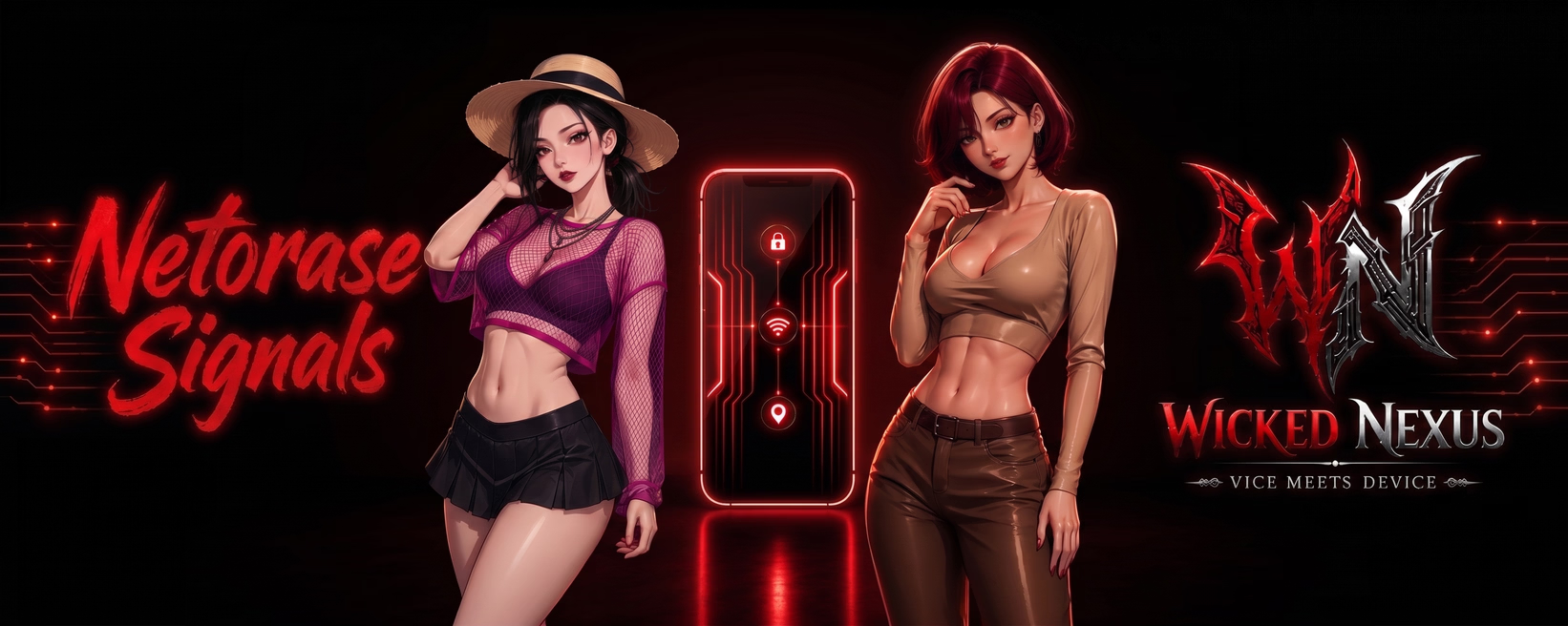
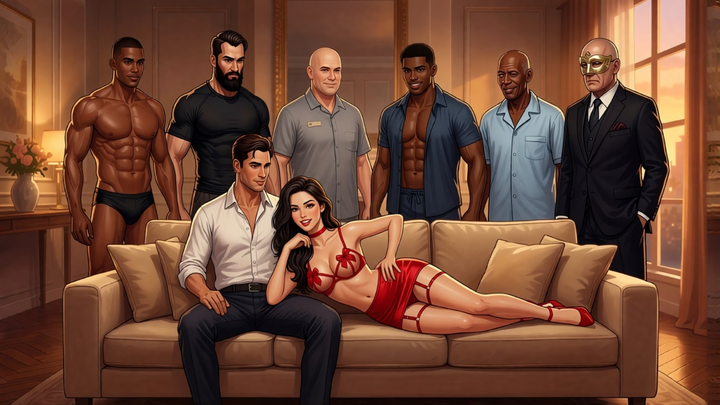
A Ren'Py game presented as a phone chat, centered on Damon, Raven, and Maya. Damon is a Boonforger who can enchant and enhance modern equipment and people; Raven is a succubus hybrid with a mind-reading ability called Psychometric Touch; Maya is a siren hybrid who can sense and amplify others' emotions through Siren Pulse. The three are in a loving relationship and explore a shared, consensual netorase fantasy in a modern supernatural world where humans coexist with hybrids and full-blooded supernatural species.
Thread Updated: 2026-10-18
Release Date: 2026-10-18
Developer: WickedNexus WickedNexus – Patreon
Censored: No
Version: v2.0
Engine: Ren'Py
Listed platforms: Windows, Linux, Mac, Android
Language: English
Genre: 2DCG, AI CG, Animated, Male Protagonist, Mobile Game, Big Tits, Big Ass, Corruption, Dilf, Exhibitionism, Humiliation, Groping, Masturbation, Oral Sex, Swinging, Teasing, Vaginal Sex
Tags
Installation
1. Extract and run.
Changelog
v2.0 What’s New in Version 2.0 17,000+ new words 46 new CGs 10 new videos ️ Bug Fixes & Improvements Fixed an issue with comments in the social feed Fixed an issue where an item would not unlock in the gallery Fixed an issue related to loading save files Fixed several chat freezing issues Improved APK compatibility with certain Ren’Py environments Improved interaction with the Settings screen Note – Previous save files should be compatible with Version 2.0. However, if you encounter any errors or unexpected issues while loading an old save, please try starting a new game instead. If you are facing problem to play the videos in Android, please try one of the following options: Option A: Quick Fix (Keeps Save Files) Close the game completely. On the phone, go to Settings → Apps → Netorase Signals → Storage. Tap Clear Cache (make sure not to tap "Clear Data" so saves aren't wiped). Re-open the game and check the video. Option B: The Complete Fix (Clean Reinstall) If clearing the cache alone doesn't fix it (due to stale internal assets or native libraries): (Optional) Back up saves if needed. Uninstall the app completely from the S25 Ultra. Install the new APK fresh. Launch the game. v1.1 Fixes & Save Repairs 1. Sentinel Incident Recovery Fixed an issue from v1.0 where some Sentinel incidents, such as Raven’s “Helping Hand” or Aelin’s “Kitchen Quicky,” could be missing from your Sentinel screen due to an exception caused by an incorrect thumbnail address. Automatic Save Repair: When you load an existing save, the game will automatically check the choices you’ve made in the story and restore any missing incidents and gallery unlocks directly to your logs. 2. Duplicate Prevention Fixed an issue where reloading a save or replaying chat dialogue could cause duplicate incidents or social posts to appear. Existing saves will be automatically cleaned up when loaded. 3. 100% Save Compatible All existing saves from version 1.0 are fully compatible with version 1.1. There is no need to restart your playthrough! 4. Bonus Content Access Fixed an issue where bonus content could disappear for some players every time they launched the game. If your bonus content is still missing, you may need to relink your Patreon account once again. What’s New & Improved 1. New “Bonus Content” Toggle You now have complete control over whether you want to see locked previews for supporter bonus content! Turned OFF (Default): Enjoy a 100% clean and immersive story experience with no locked cards, popups, or story interruptions across your Gallery, Social Feed, Chat, and Sentinel apps. Turned ON: You’ll see non-intrusive preview cards showing where exclusive bonus content is available. Easily Accessible: You can toggle it ON or OFF at any time with a single tap from the top of the Settings screen, or directly inside the Gallery, Social, and Sentinel apps. 2. No More “Bonus Content” in Main Chats! Going forward, you won’t see any locked images or videos in the main chats. The one image that was previously locked in the chats is now accessible to everyone, including in the Gallery. Bonus content will now be exclusive to the Gallery, Social, and Sentinel incidents sections. 3. Use Keyboard Keys for Menus You can now use your keyboard to navigate and select menu options. Use the Arrow Keys or WASD to navigate through the options. Press 1, 2, 3, etc. to instantly select the corresponding option. v1.0 - Initial release 63 CGs and 14 Videos 20,000+ Words
Developer Notes
You might know me by my previous name - NTRCreator The game is primarily available for PC and Android. The Mac version has not been tested, but I’ll still include a download link for those who would like to try it.
More Like This
Ren'Py · Uncensored
Enclosed Euphoria I Am Beyond Human Desires [DEMO v1.0] [Bunnie’s Kingdom]
33 views ·
Ren'Py · Uncensored
Lewd Piece [v0.550] [Beta Games]
★ 2.9 · 490 views ·
Ren'Py · Uncensored
Jack Hunter [v0.5] [Incogame]
★ 4.2 · 396 views ·
Ren'Py · Uncensored
Wife’s Dare - Reignited [S2 v0.7.3] [hotscorpion]
★ 3.3 · 386 views ·